
Articles & Tips
Google PageSpeed Insights: How to Decipher Google’s Verdict on Your Site?
You’ve likely already tested your URL on PageSpeed Insights. You saw numbers, colors (often red or orange), and complex technical terms like “LCP” or “CLS.” But what do these scores actually mean for your business in 2026?
At Cancún Diseño, we use this tool daily to ensure our clients have sites that please both visitors and search algorithms.
1. Why is this test the most important?
PageSpeed Insights isn’t just a gadget. It is Google’s official tool for measuring Core Web Vitals. For several years now, these scores have directly influenced your ranking in search results. A fast site is a site that climbs higher.
2. Mobile vs. Desktop: The trap to avoid
The classic mistake is only looking at the “Desktop” score (which is often very good). The most important one is the “Mobile” score. Google now indexes your site primarily based on its mobile version. If your mobile score is in the red, your global SEO will suffer, even if your site looks perfect on a computer.
3. Understanding key indicators (Without the headache)
Forget the pure technical jargon; here is what you need to remember:
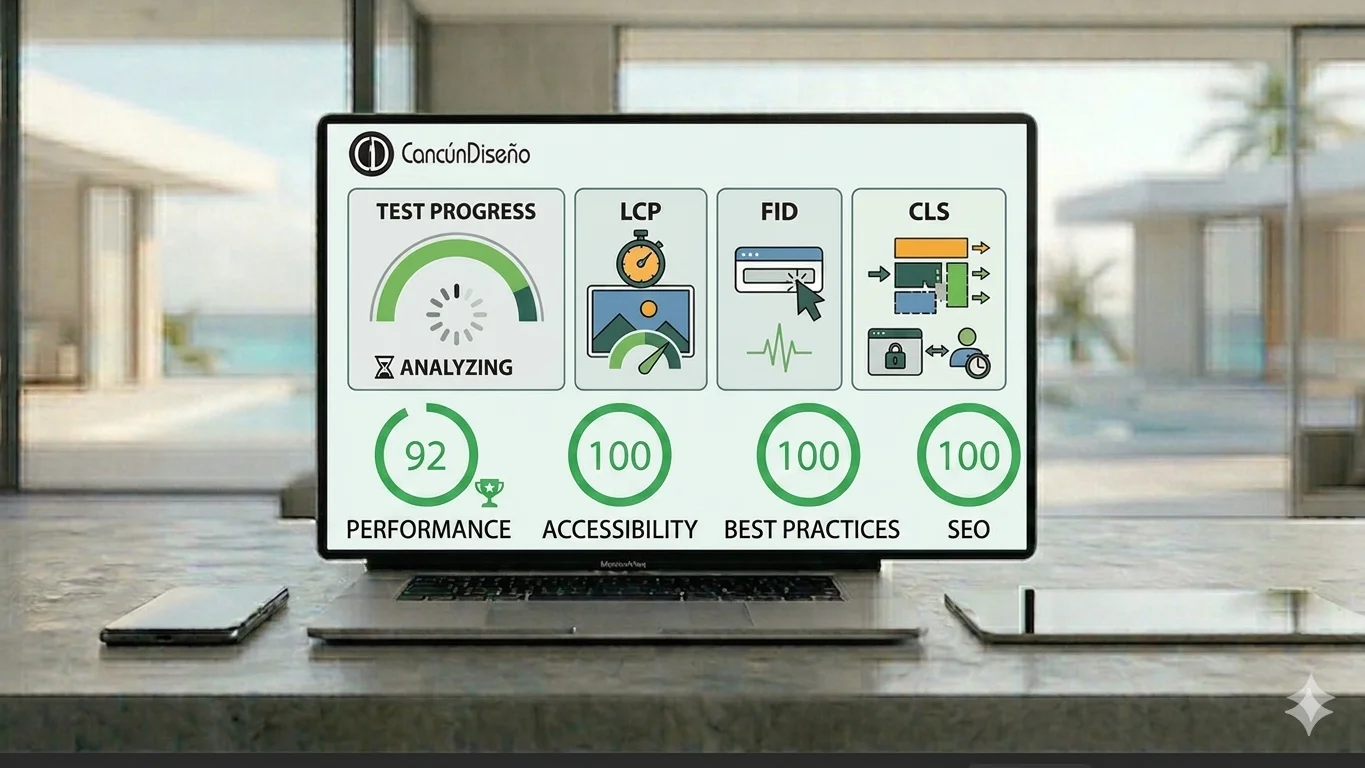
LCP (Largest Contentful Paint): This is the time it takes for the main element (like your banner image) to appear. Ideally: less than 2.5 seconds.
CLS (Cumulative Layout Shift): Do elements on your page jump around during loading? Nothing is more frustrating than a button that moves right as you’re about to click it.
TBT (Total Blocking Time): This is the moment when the site looks like it’s displayed, but you can’t interact with it yet.
4. Is a 100/100 score essential?
Let’s be honest: a 100/100 score is rewarding, but what really matters is being in the green (90+). A site rich in high-definition visuals may sometimes struggle to hit 100, but if it sits at 92 and offers an incredible user experience, that’s a win. Balancing aesthetics and performance is our specialty.
5. “Diagnostics”: The roadmap for improvement
Below the scores, Google lists opportunities. This is where the work for Cancún Diseño begins:
Compressing images to AVIF.
Caching with LiteSpeed.
Cleaning up unnecessary JavaScript code.
Conclusion: Don’t stay in the red A poor score on PageSpeed Insights is a money leak: you are paying for traffic that leaves before the page even loads.
Is your site ready for the test? Run it at pagespeed.web.dev and if the results worry you, send us your report. We will turn your red alerts into green lights.