
Articles & Tips
Why LiteSpeed Cache Is the Ultimate Weapon for Your WordPress Site's Performance
In 2026, speed is no longer a luxury; it’s a requirement from both Google and your users. If you use WordPress, you’ve probably heard of caching plugins. But few can hold a candle to LiteSpeed Cache.
More than just a cleanup tool, it’s an “all-in-one” optimization solution that communicates directly with your server for maximum efficiency. Let’s explore why you should adopt it and what’s under the hood.
What is the LiteSpeed Cache plugin?
Unlike other plugins that work solely at the PHP level (which is slow), LSCache uses server-level caching. This means pages are served instantly, without WordPress having to “think” for every visit.
Key Features: A Cockpit for Your Performance
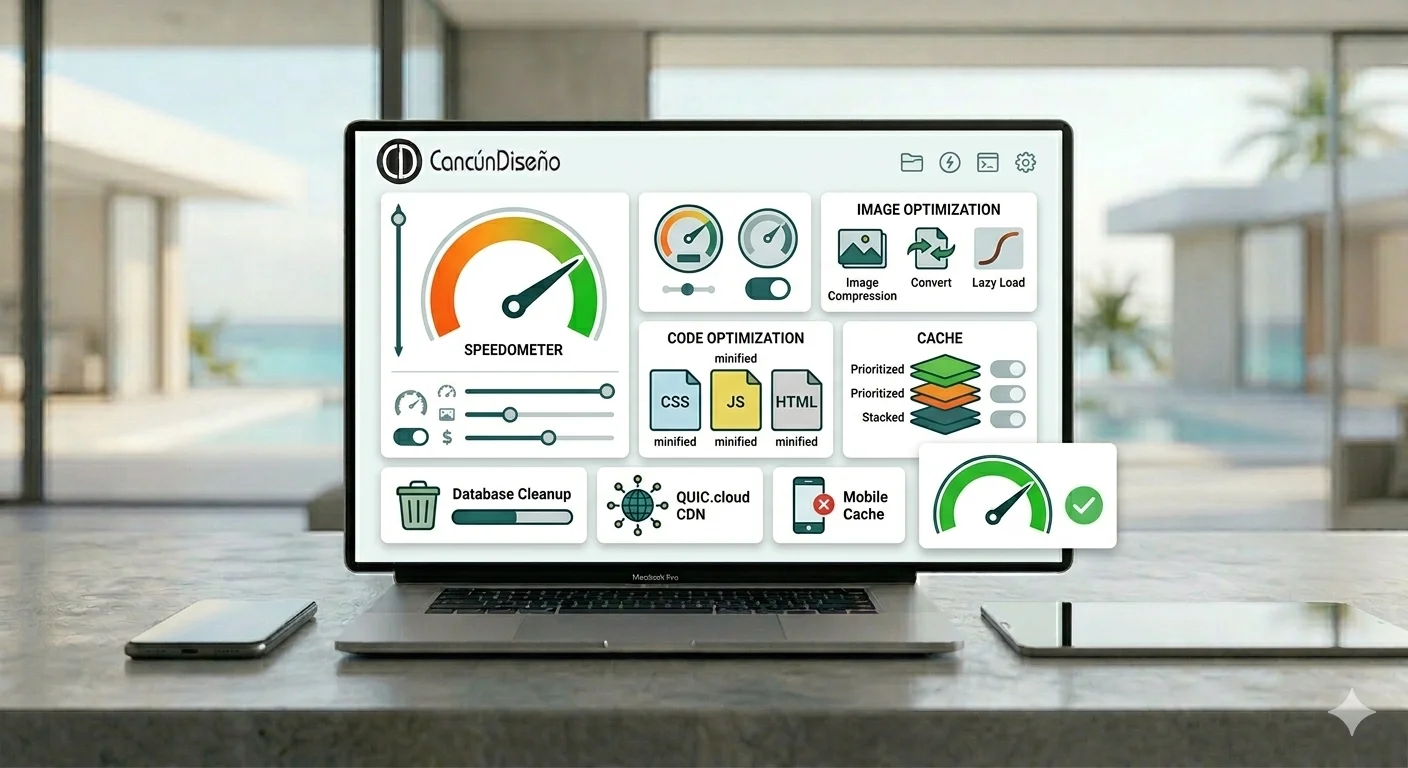
To understand the power of this tool, here is a breakdown of the options we configure at Cancún Diseño for our clients:
1. Caching
This is the heart of the plugin. It generates static versions of your pages.
Mobile Cache: Serves a specific, lighter version for smartphones.
Logged-in User Cache: Very useful for e-commerce sites or those with member areas.
2. Image Optimization
No more need for paid third-party plugins. LSCache includes a free compression service.
WebP Format: Automatic conversion of your JPG/PNG files to WebP (much lighter).
Lazy Load: Images only load as they appear on the screen, saving bandwidth.
3. Page Optimization (Code Optimization)
This is where you earn those precious points on Google PageSpeed Insights.
CSS, JS, and HTML Minification: Removes unnecessary spaces and characters from the code to reduce file size.
File Combination: Groups several small CSS/JS files into one to reduce the number of HTTP requests.
Asynchronous JS Loading: Prevents JavaScript code from blocking the visual display of the page.
4. QUIC.cloud Service (CDN)
LiteSpeed offers its own Content Delivery Network (CDN). It distributes your site across servers worldwide. A visitor in Paris will load your site from a European server, while a visitor in Cancún will load it from a local one.
5. Database Cleanup
A fast site is a clean site. LSCache allows you to clear out unnecessary post revisions, spam comments, and temporary data that clutter your WordPress database with a single click.
Why we chose LiteSpeed at Cancún Diseño?
Website optimization is a delicate art. A bad cache configuration can “break” your site’s layout. Our expertise allows us to fine-tune every LiteSpeed Cache option with precision to achieve:
Core Web Vitals scores in the green.
A drastic reduction in TTFB (Time To First Byte).
Better visitor retention.
In Conclusion
Installing LiteSpeed Cache is the first step, but knowing how to configure it is what makes the difference between a “decent” site and an “ultra-fast” one.
Does your WordPress site feel slow? Entrust us with its technical optimization to offer your clients the seamless experience they expect in 2026.